Everything a small team needs. Nothing it doesn't.
Flowlane does three things: it shows you the work, it tells you who owns it, and it tracks how long it took. Here's how each one works.
See the whole project on one screen
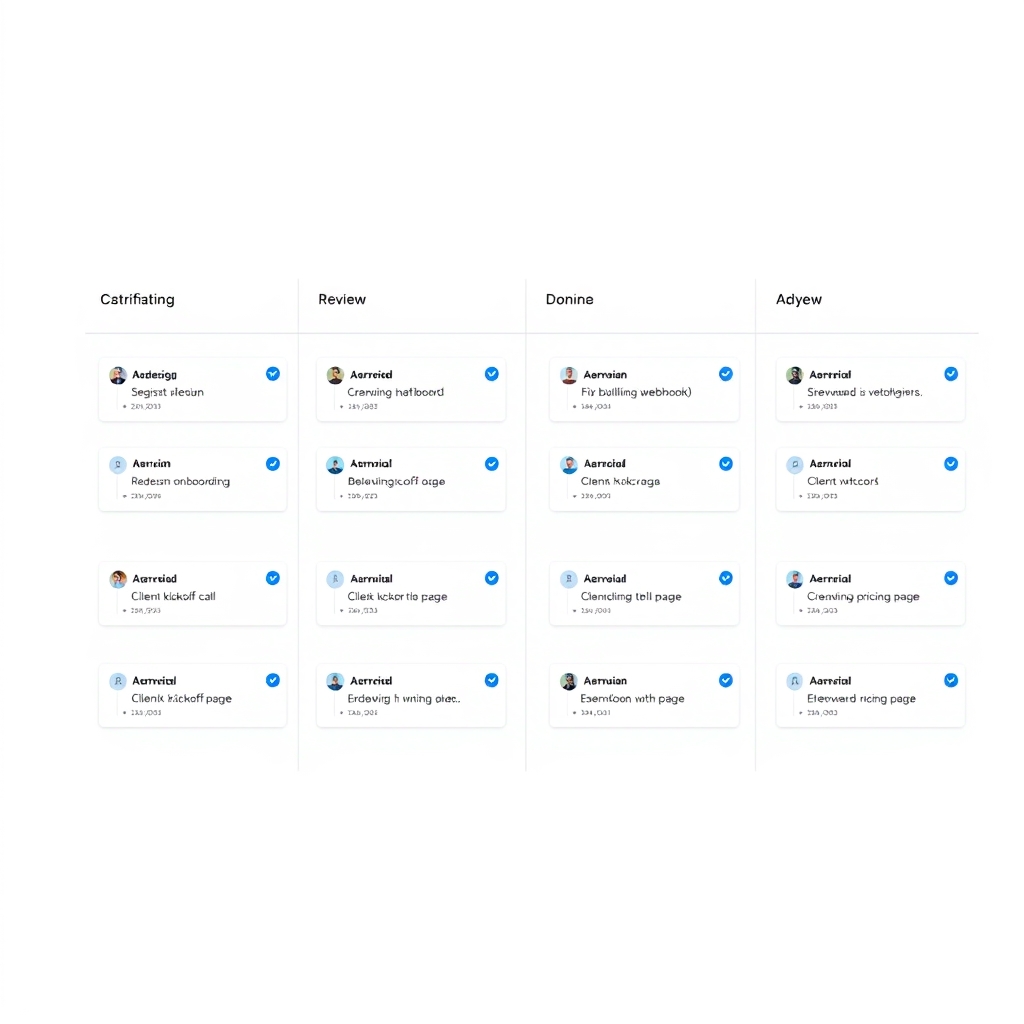
Every project gets a board with columns you name yourself — Backlog, In Progress, Review, Done, or whatever your team actually says out loud. Cards move by dragging, and the board updates for everyone instantly.
Why it matters for a small team: when there are twelve of you, status lives in people's heads and in Slack threads. A board replaces the Monday morning check-in with a link anyone can open in five seconds.
- Unlimited boards and columns on every plan
- Colour-coded labels for clients, priorities, or work types
- Filter a board down to one person, one label, or this week
- Optional WIP limits so a column can't quietly become a graveyard
One owner, one due date, no ambiguity
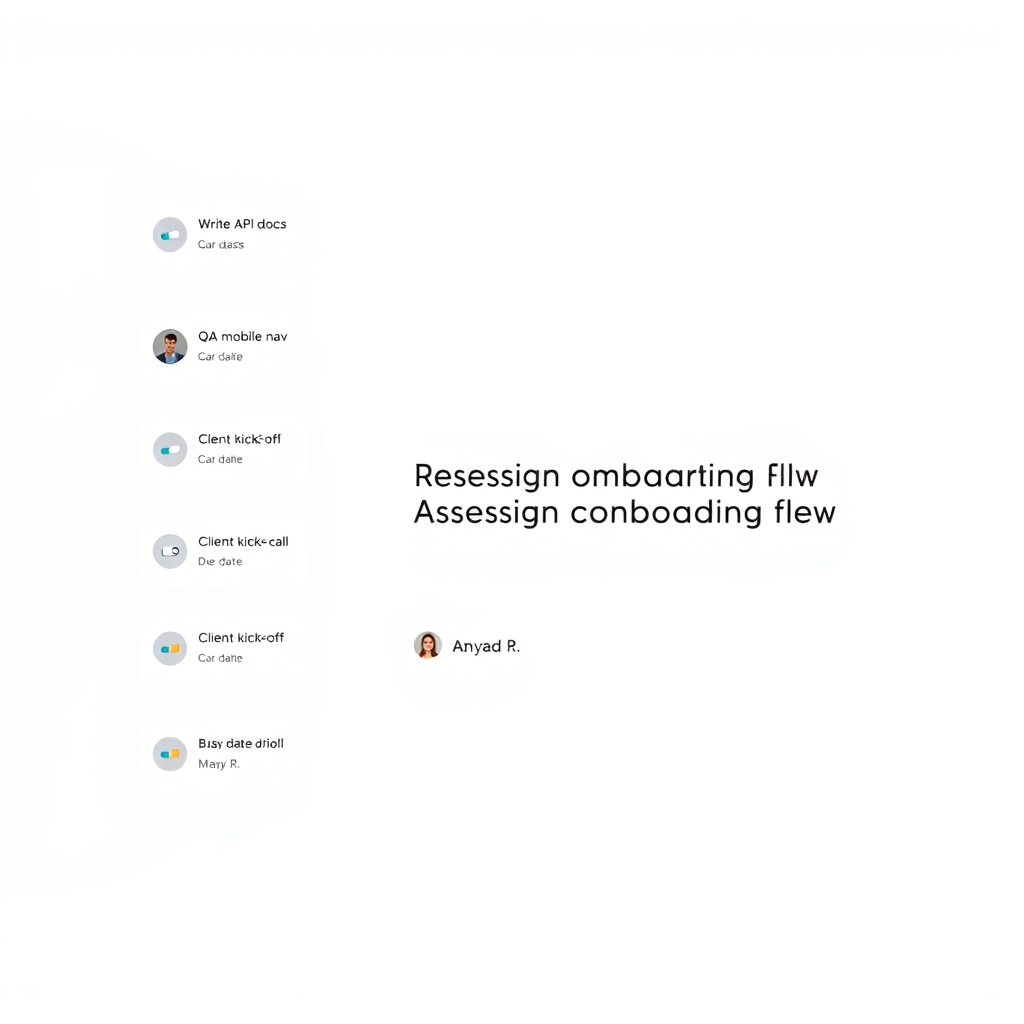
Open a card, pick a teammate, set a date. That's the whole workflow. Assignees get a notification and see the task on their personal "My Work" list, so nobody has to go hunting across five boards to find out what's on their plate.
Why it matters for a small team: shared ownership is how work stalls. Flowlane deliberately allows one owner per task — collaborators can follow along, but there's never a question about whose move it is.
- Personal "My Work" view across every project
- Due dates, three priority levels, and simple checklists
- Comments and file attachments on any task
- Daily digest email instead of all-day notification noise
Enough tracking to bill accurately, not enough to annoy anyone
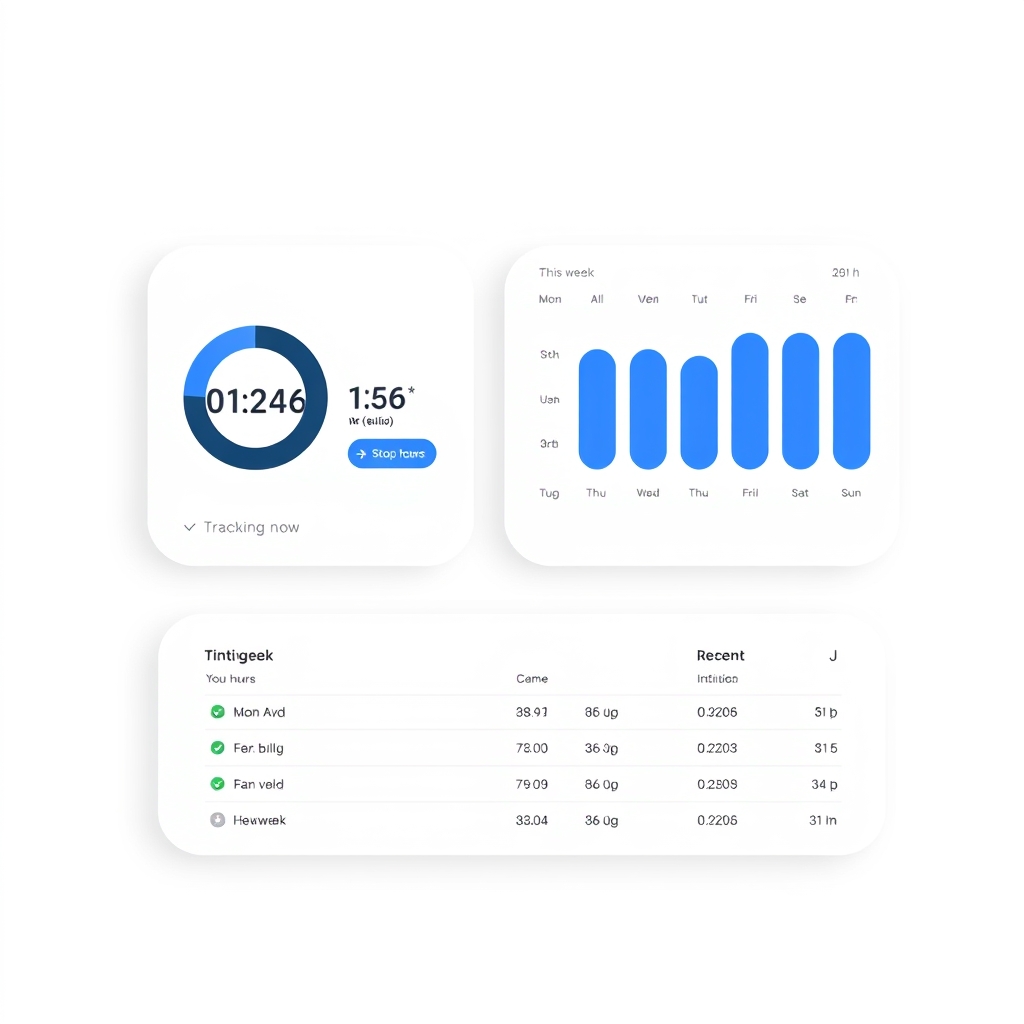
Hit start on a task and Flowlane runs a timer in the background. Forgot to start it? Log the hours manually in a few seconds. Everything rolls up into a weekly summary per person, per project, or per client.
Why it matters for a small team: if you bill hourly or quote fixed fees, you need to know where the hours actually went. This gives you that number without a separate timesheet product or a chase-up at the end of every month.
- One-click timers that live on the task itself
- Manual entry and editing for the days you forget
- Weekly summaries by person, project, or client
- CSV export for invoicing and estimate reviews
See all three working together
Spin up a board, assign a few real tasks, and track a week of work. Fourteen days is plenty to know if it fits.
Start your free 14-day trial — no credit card requiredFull access to every feature. Cancel any time.
Ready when your spreadsheet isn't
Flat pricing, no setup fees, and no minimum seat count. Have a look at the plans, or start the trial and sort out billing later.
Start your free 14-day trial — no credit card requiredOr compare the two plans first.